Today's matches, live
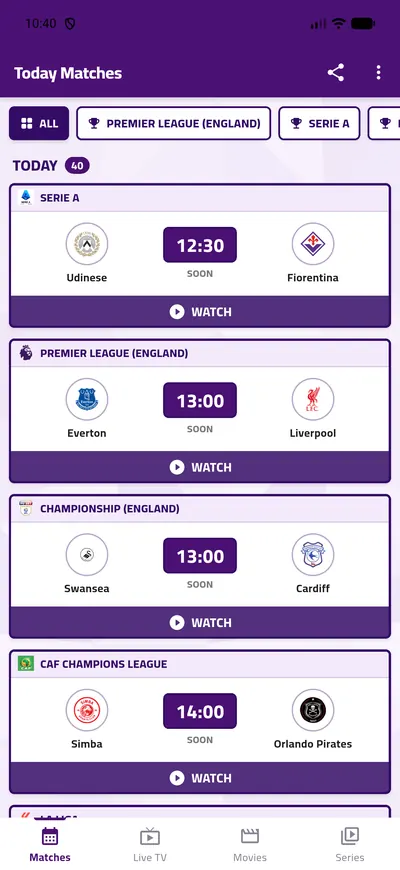
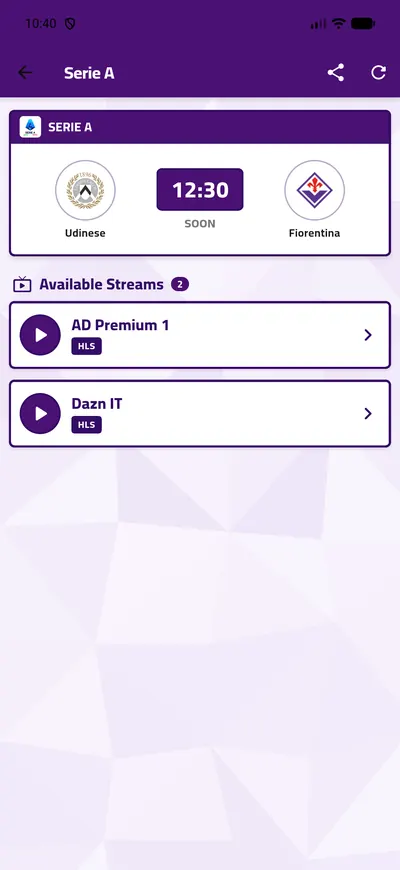
A daily schedule grouped by competition with kick-off times and scores, and several stream links per match so you can pick the one that suits your connection.
Watch today's matches live and move between channels, movies and series in a fast, lightweight app. Free, with no account to create.
Yalla TV is built to get you to what you want to watch in as few taps as possible.
A daily schedule grouped by competition with kick-off times and scores, and several stream links per match so you can pick the one that suits your connection.
Sports, news, entertainment and kids channels, organised in clear sections one tap away.
A regularly updated library with categories and fast search, plus seasons and episodes for every series.
Only 31.4 MB, and it runs smoothly on mid-range and older phones.
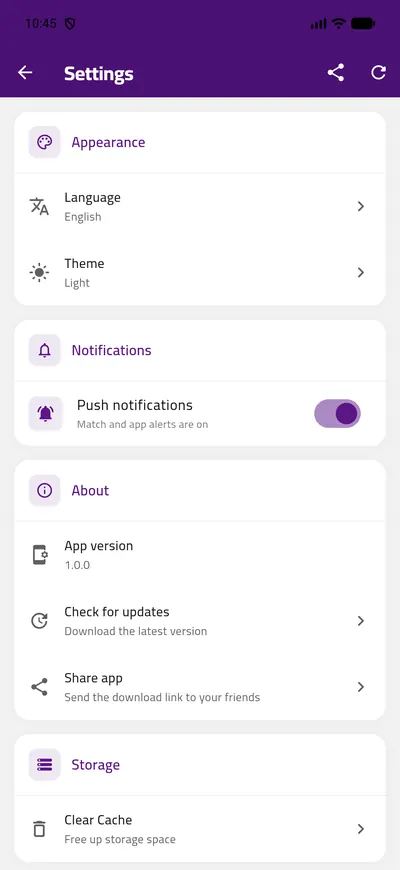
Instant notifications about big matches and what's new, which you can switch off any time.
A complete interface in both languages with right-to-left support, switchable in one tap.
The app tells you when a new version is out, then downloads and installs it for you.
Installation takes about a minute. Follow the steps in order on your Android phone.
Tap Download for Android and wait for the file to finish downloading (31.4 MB).
Open the file from your notifications. If you see an “unknown sources” prompt, tap Settings and turn on Allow from this source.
Tap Install, then Open. Choose your language and allow notifications to get match alerts.
The first time you play a stream, the app asks you to install the free VidoPlay player from Google Play. Install it once, come back, and playback starts automatically.
Android shows the “unknown sources” prompt for any app installed from outside the store. Allowing your browser once is enough, and you can revoke the permission after installing.
A simple design that puts the match or channel you're looking for right in front of you.
Yes. The app is free to download and use, and it needs no account or subscription.
Yalla TV uses the VidoPlay player to show streams at a steady quality. You install it once from Google Play, and after that streams open directly when you pick a match or channel.
It is Android's standard prompt for any app installed from outside the store. Allow your browser to install apps in Settings and continue, as shown in the install guide above.
Phones and tablets running Android 7.0 or newer.
The app checks for updates when it opens and offers to install the new version. You can also download the latest version from this page at any time.
Try another link for the same match, and check your internet speed or switch to Wi-Fi.
Download Yalla TV now and start watching in about a minute.
Download for Android